 985e6a1e6d
|
||
|---|---|---|
| IMG_1941.jpg | ||
| IMG_1942.jpg | ||
| README.md | ||
| fdmr-update.sh | ||
| install.sh | ||
| selfservice-update.sh | ||
| update.sh | ||


README.md
Easy-FreeDMR-SERVER-Install
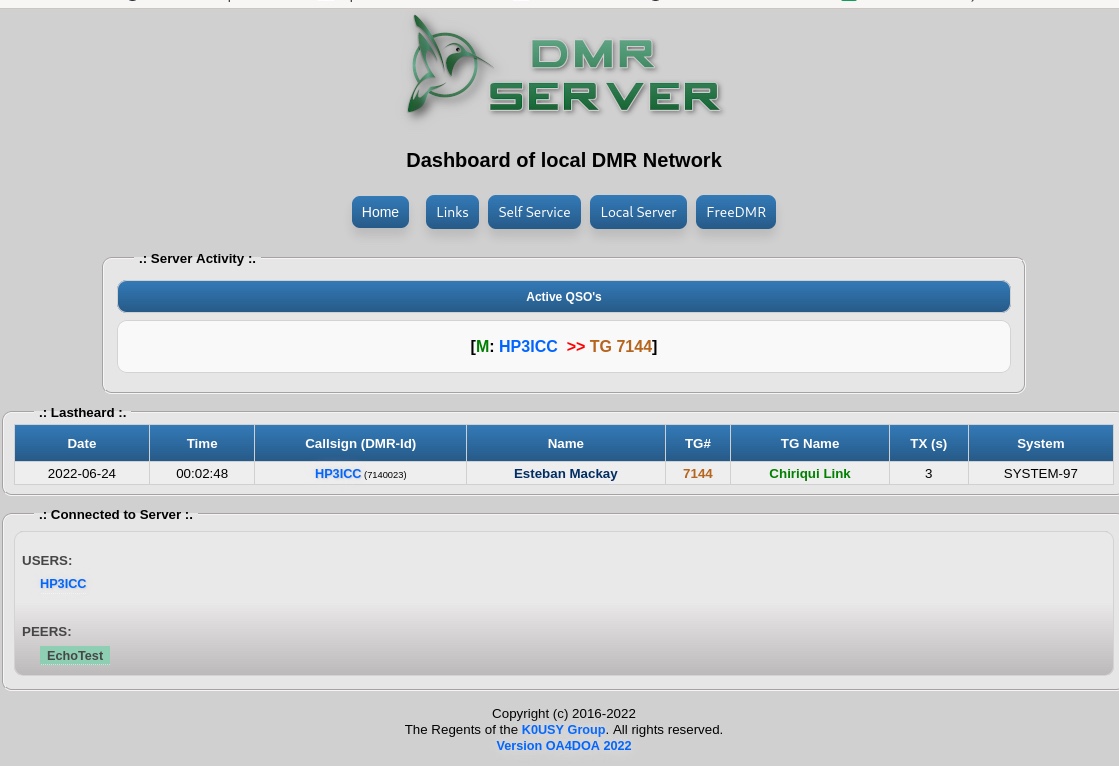
is an excerpt from the emq-TE1ws proyect, focused on new and current sysops who want to install FreeDMR easily, quickly and up-to-date.
this shell, install FreeDMR Server and FDMR-Monitor
Shell easy auto install , FreeDMR Server last original version gitlab hacknix Simon, and FDMR-Monitor with Selfservice by OA4DOA
Pre-Requirements
need have curl and sudo installed
Install
into your ssh terminal copy and paste the following link :
apt-get update
apt-get install curl sudo -y

sh -c "$(curl -fsSL https://github.com/hp3icc/Easy-FreeDMR-SERVER/raw/main/install.sh)"
Menu
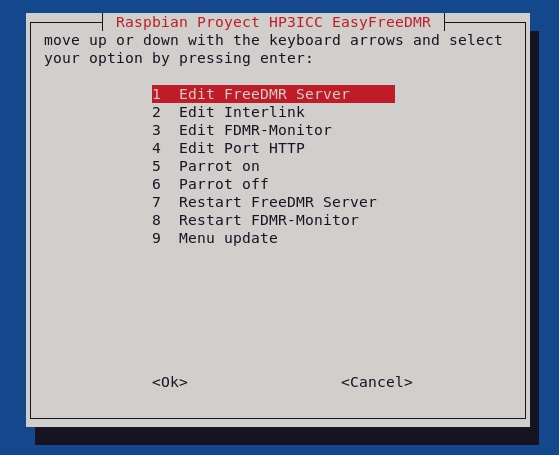
At the end of the installation your freedmr server will be installed and working, a menu will be displayed that will make it easier for you to edit, restart or update your server and dashboard to future versions.
to use the options menu, just type menu in your ssh terminal or console.
Server startup
To integrate your server to the freedmr network, you must contact the telegram group
Location files config :
- FreeDMR Server:
/opt/FreeDMR/config/FreeDMR.cfg
- FreeDMR Rules:
/opt/FreeDMR/config/FreeDMR.cfg
- FDMR-Monitor:
/opt/FDMR-Monitor/fdmr-mon.cfg
Systemctl Services :
- Freedmr:
freedmr.service
- FreeDMR Proxy:
proxy.service
- FreeDMR Parrot:
fdmrparrot.service
- FDMR-Monitor:
fdmr_mon.service
Dashboard Files
/var/www/html/